User Interfaces
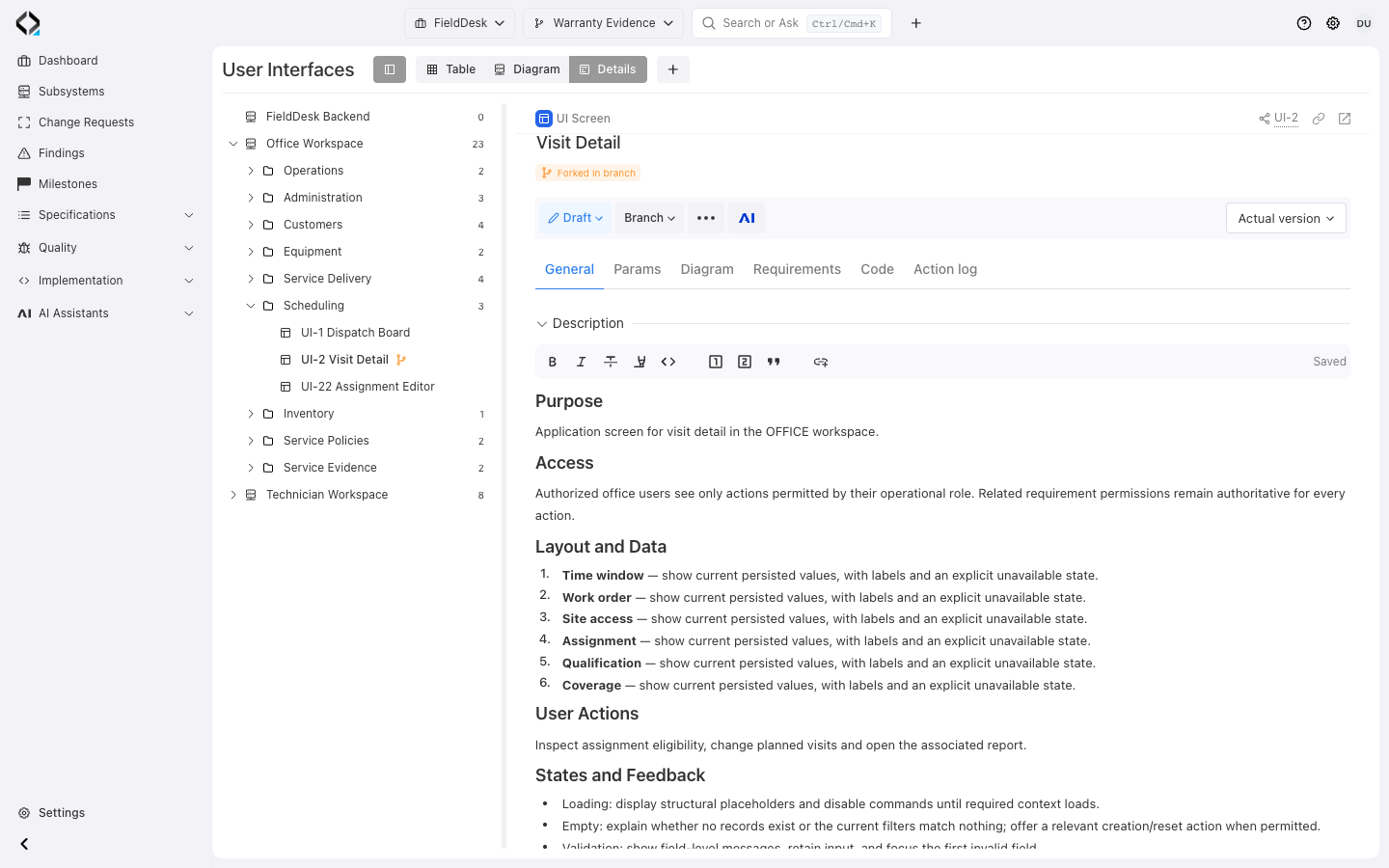
Start with the screen specification
Visit Detail belongs to Office Workspace / Scheduling. Its description defines purpose, access, and the data to display.
Organize screens by subsystem and product area
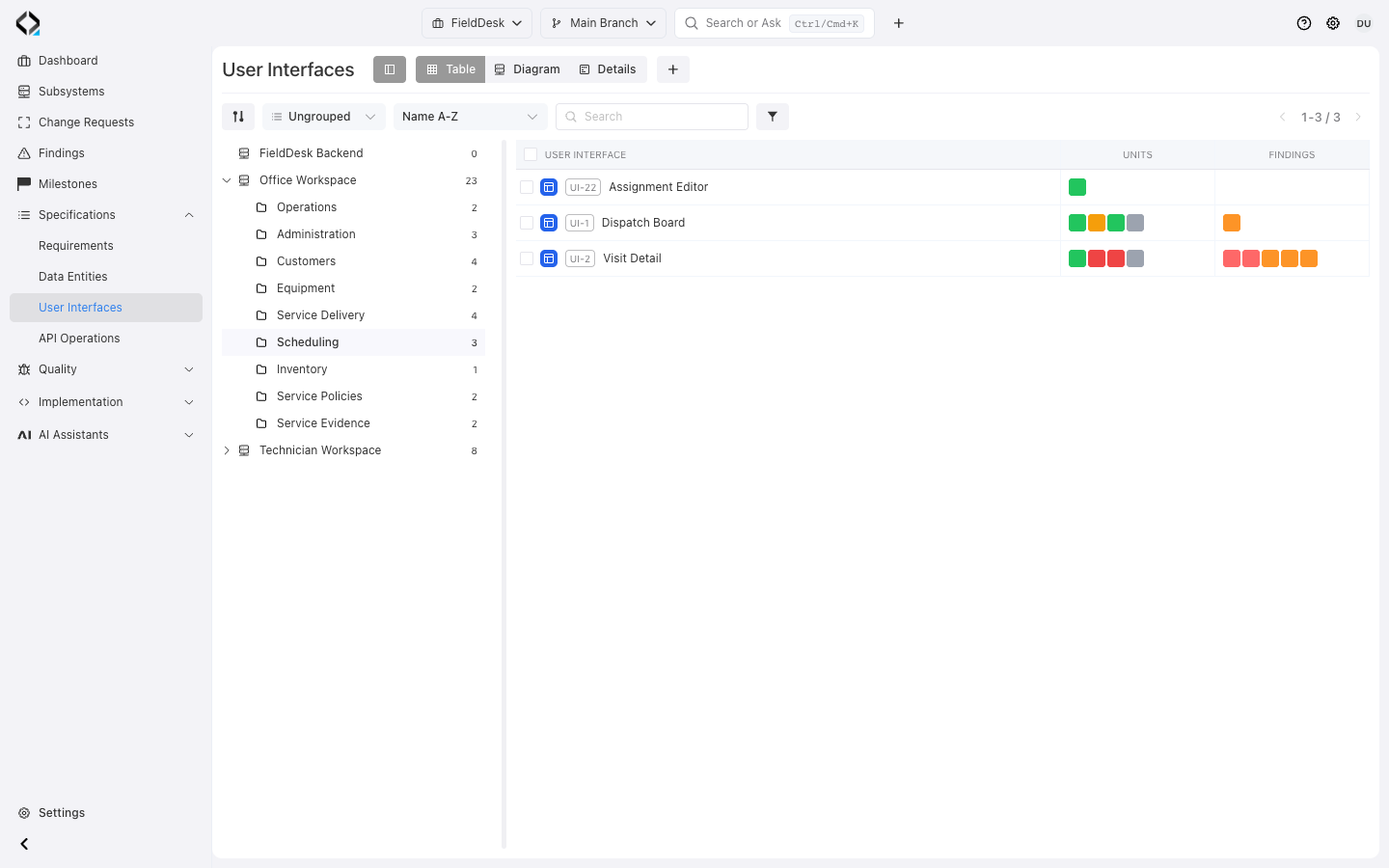
Use the subsystem and folder tree to structure the interface catalog. Classify screens with interface types and labels, then search, filter, and group the table to focus on the relevant product area.
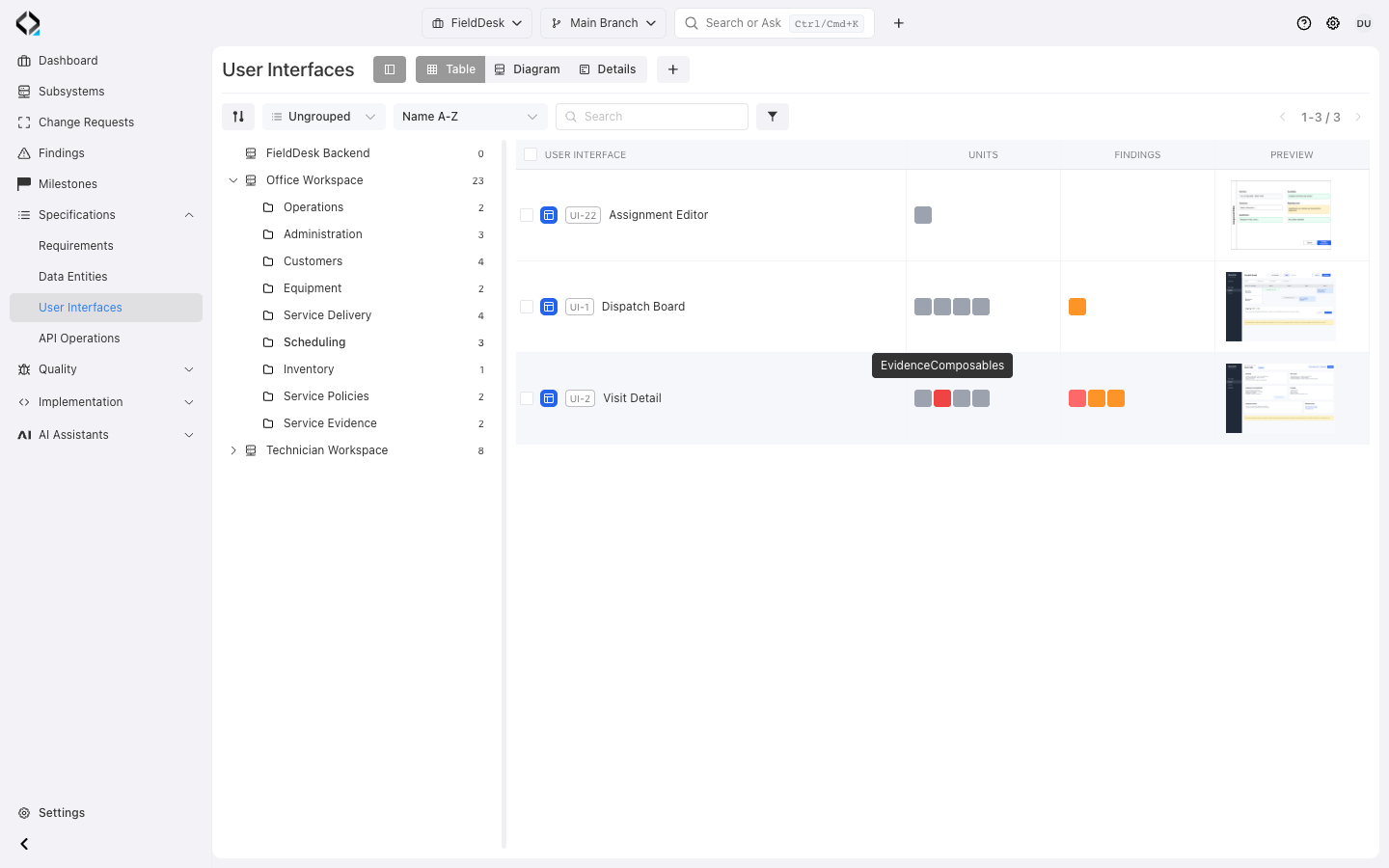
Enable Units and Findings columns to inspect implementation relations, alignment states, and reported issues for several interfaces together. Open an individual relation or finding when a row needs investigation.
Office Workspace groups the FieldDesk screens for service requests, work orders, dispatch, and visit details.
Keep wireframes with the specification
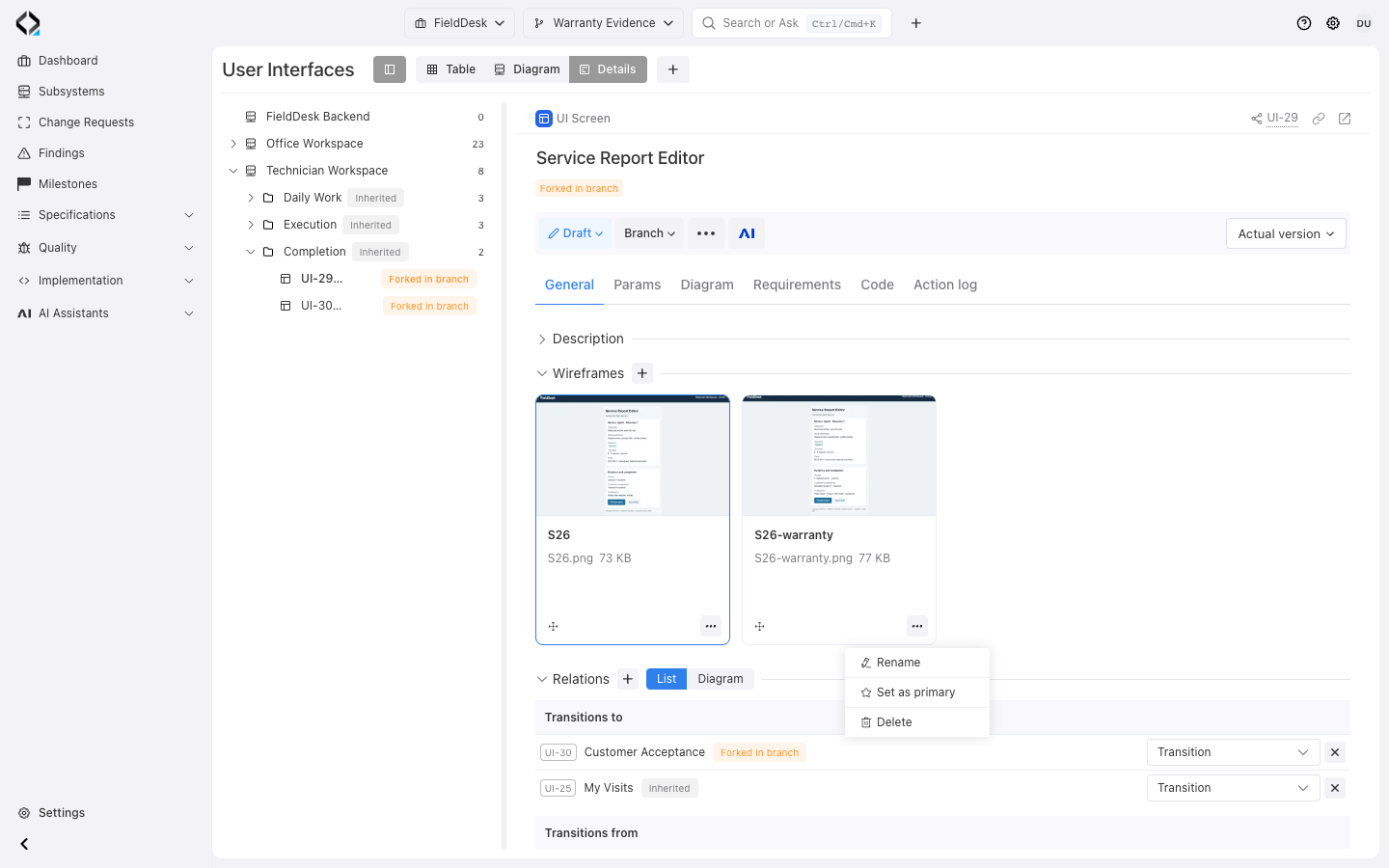
Upload static visual files or create a wireframe in the built-in editor. Maintain several wireframes for one interface, rename and reorder them, and choose the primary image.
The visual collection belongs to the interface specification and is preserved in its revisions. Keep views of relevant states alongside the behavior they illustrate.
The primary wireframe also supplies the thumbnail for Preview mode in the interface diagram.
Model screen transitions and containment
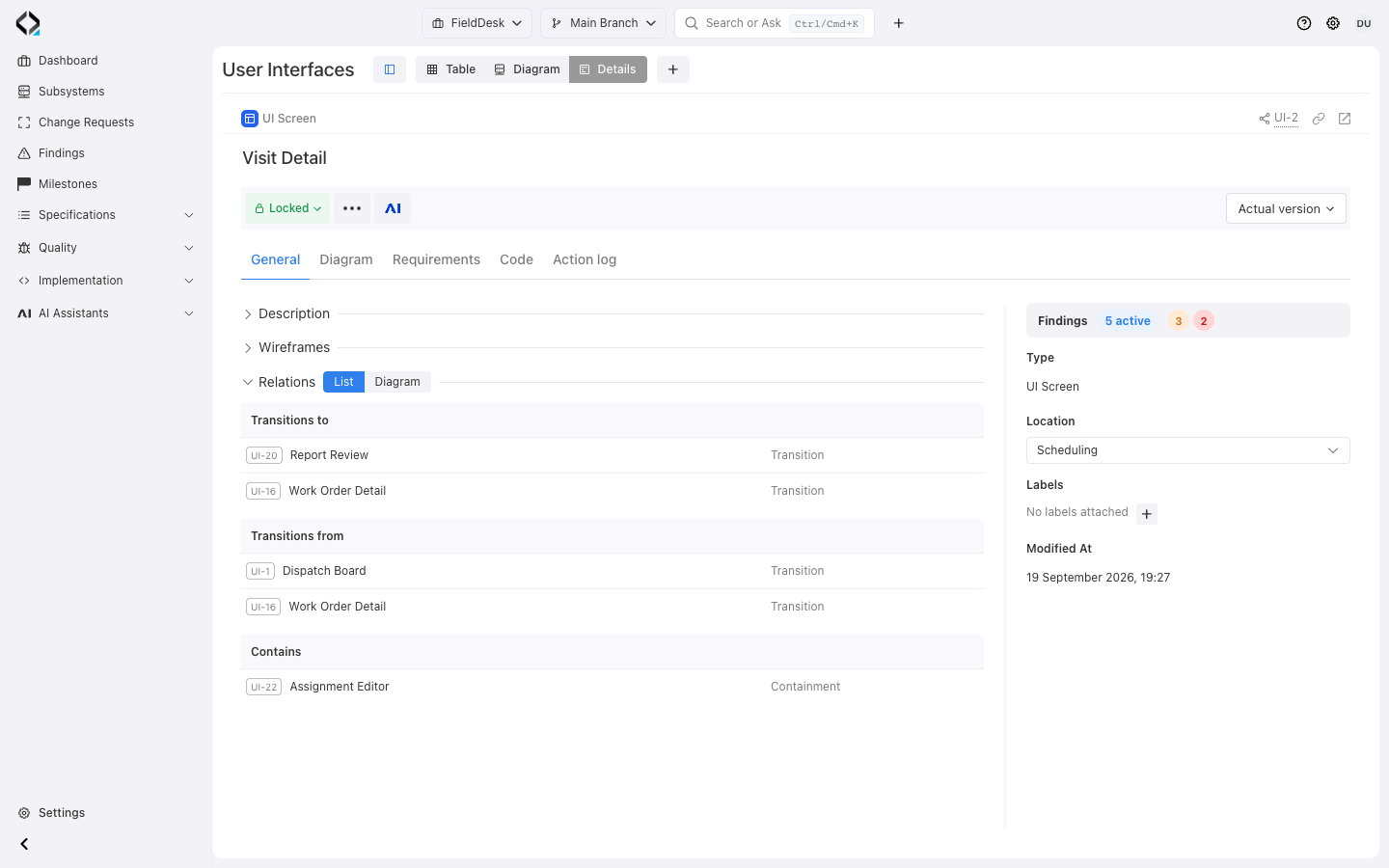
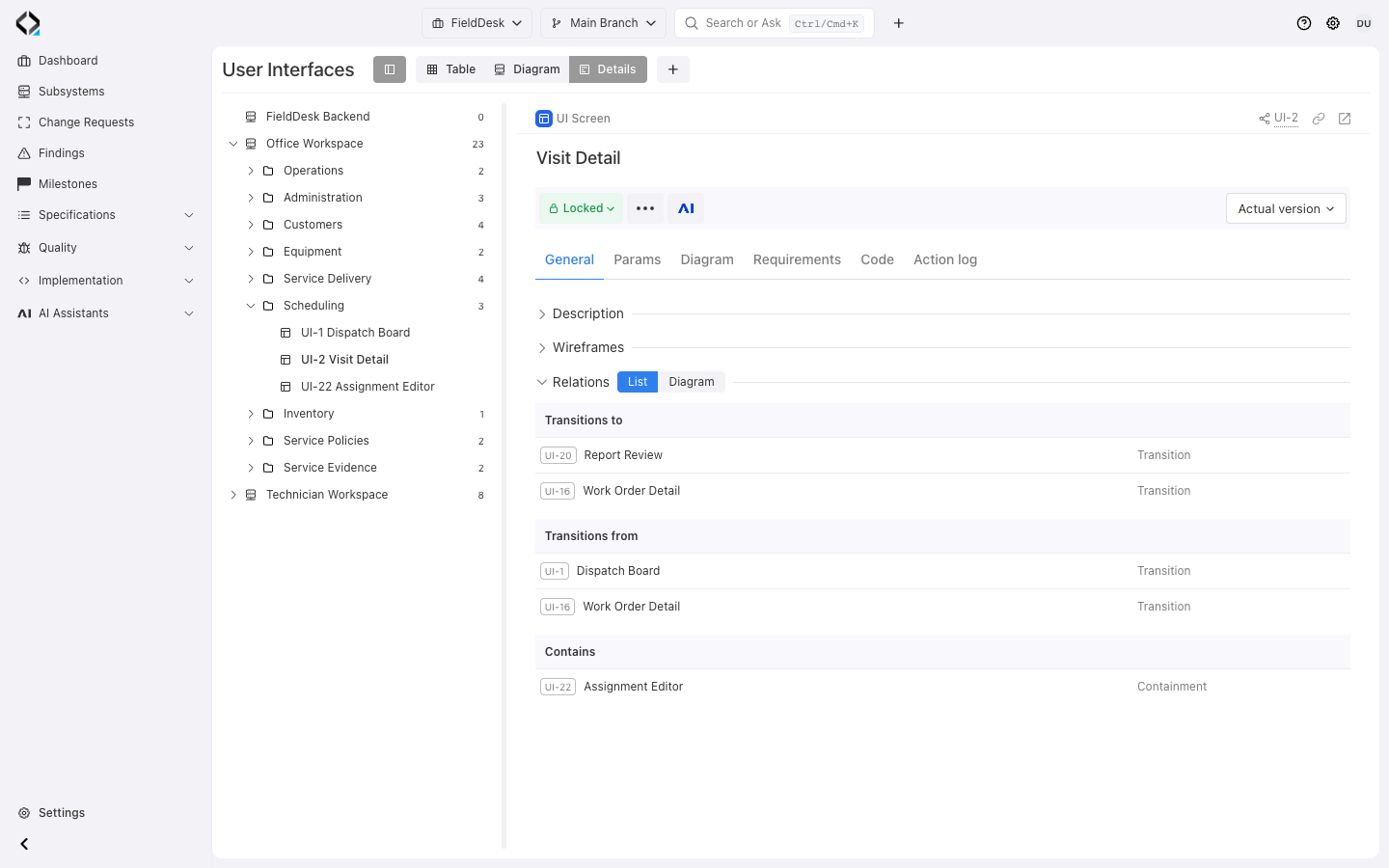
Define which interface transitions to another and which interface contains another. The Relations block shows both outgoing and incoming relationships, so the direction and role of each connection are explicit.
Link existing interfaces individually or select several together. Update the relationship type as the flow evolves and open a related screen from its link.
These connections let you describe a product flow and embedded interface structure as part of the specification.
More views
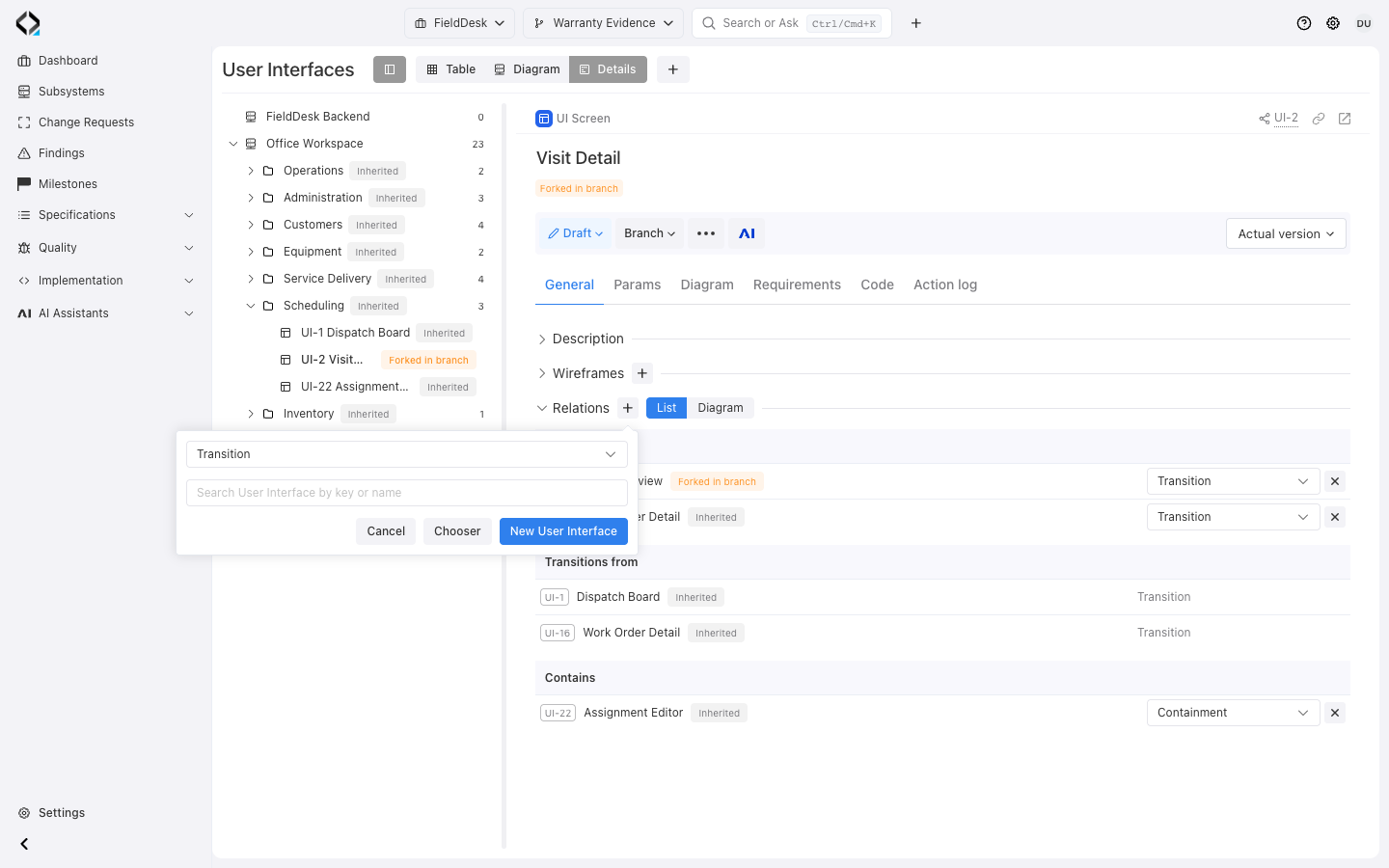
Choose a relationship type and find the screen to connect.
Explore the interface relationship diagram
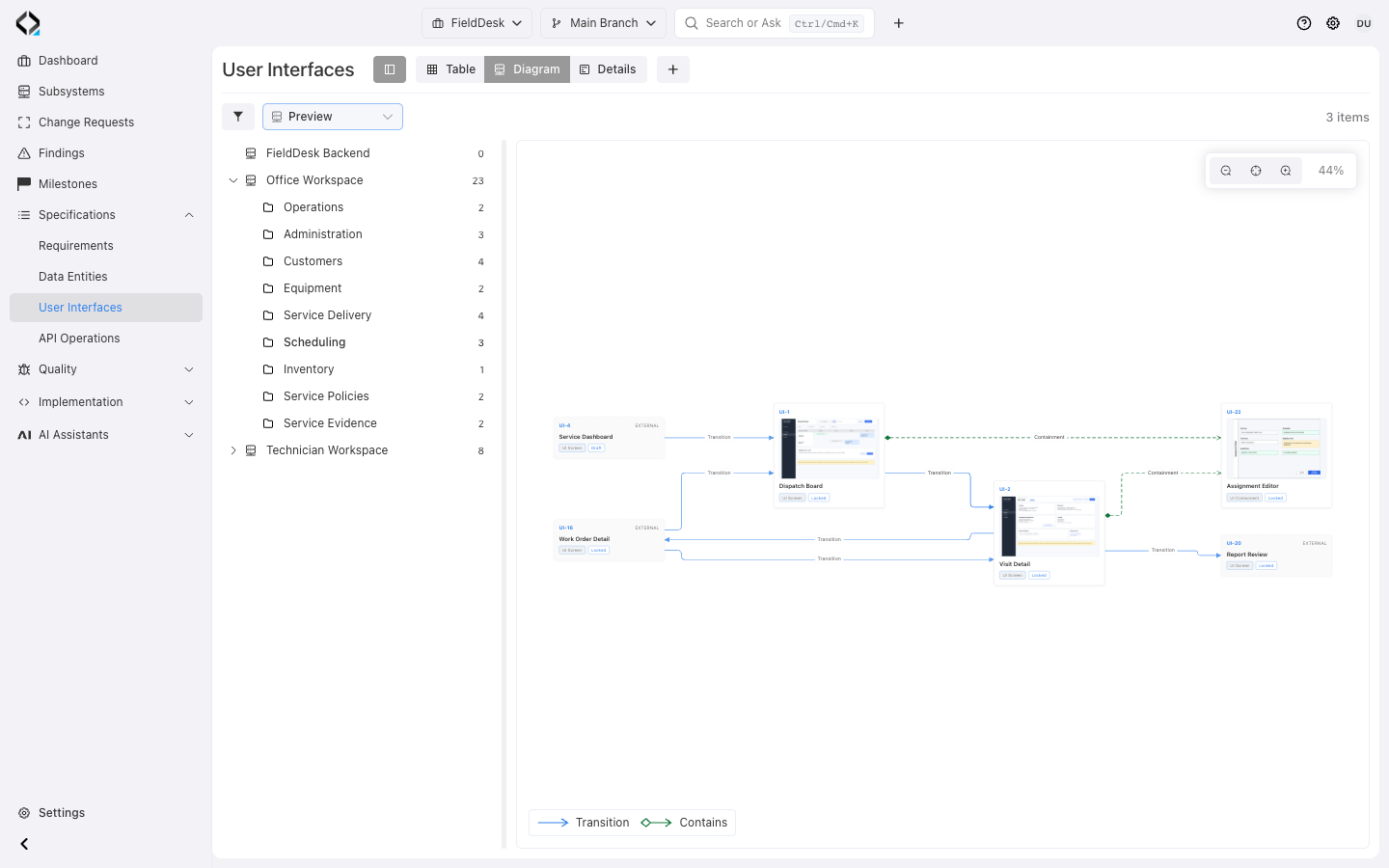
The generated diagram shows transitions and containment with different connection styles. Explore the selected subsystem or folder while retaining context for related screens outside that scope.
Use Compact for an overview or Preview to show the primary wireframe on each node where available. Open a node to inspect that interface’s definition.
Maintain the connections in interface cards; the diagram arranges the resulting relationships automatically.
Trace interfaces to implementation and changes
Use Code to inspect the Software Units connected to an interface, then follow a unit to its source files. Linked commits provide implementation-change context, while findings identify issues to investigate.
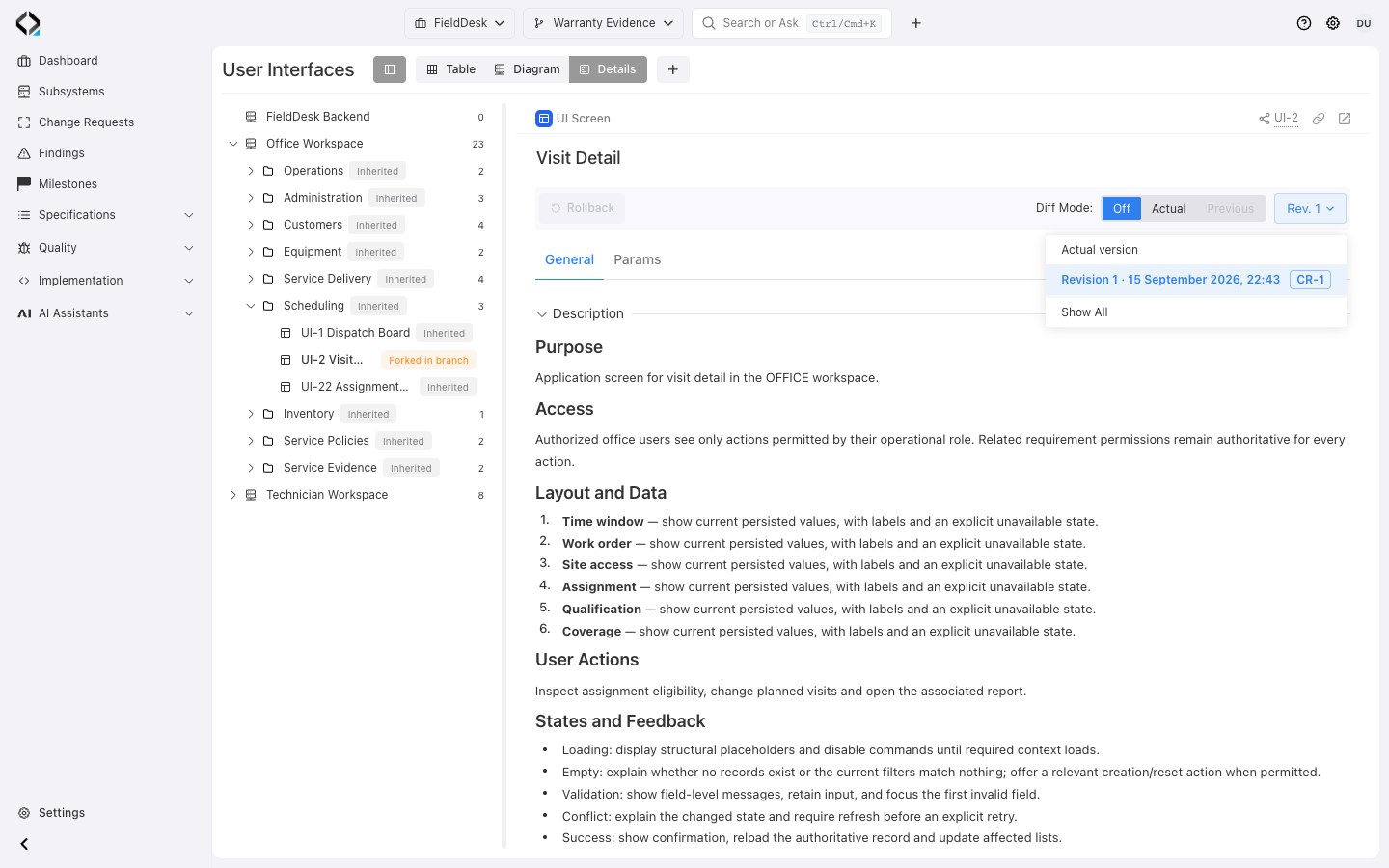
Compare a historical interface revision with the previous or current version to inspect description, parameter, and supported collection differences. Revisions also retain the wireframe collection and its visual context.
Open linked Change Request badges to see the surrounding change scope. The Action log records events involving the interface; branches and AI Analyst help the team develop its next version.
More views
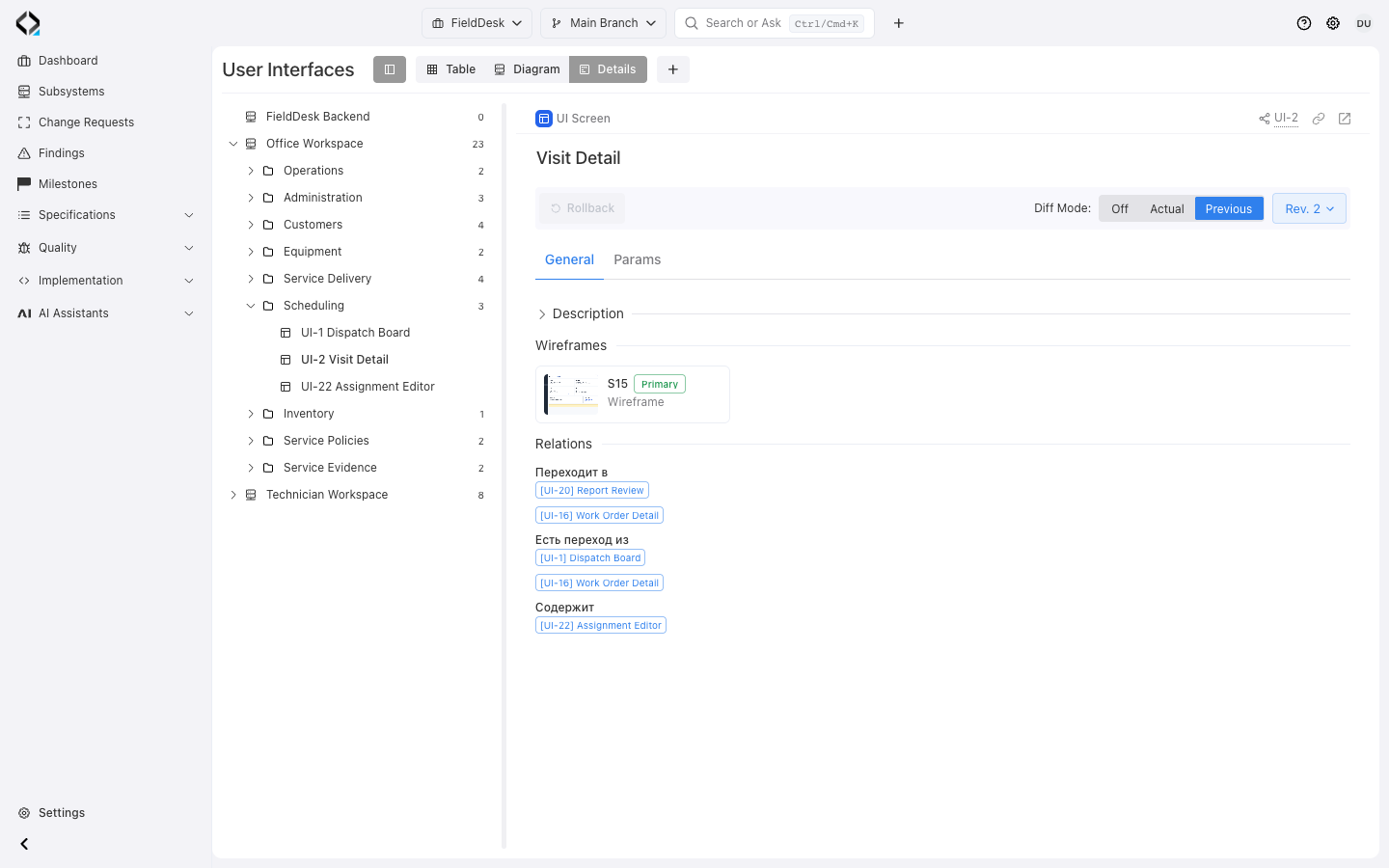
Visit Detail revision 2 with comparison to the previous revision and its wireframe context.
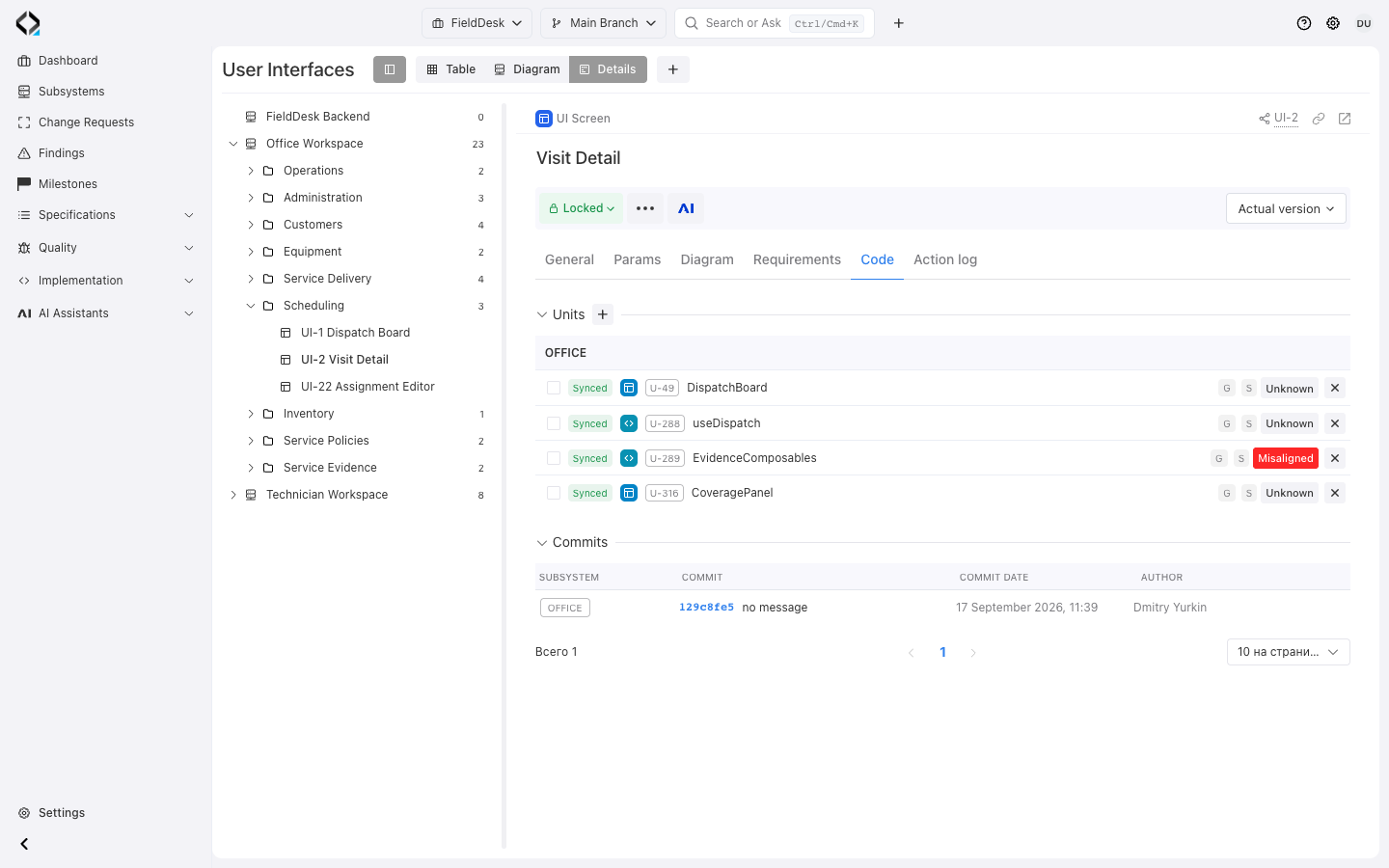
Visit Detail Code: linked Units, alignment states, and implementation commit.
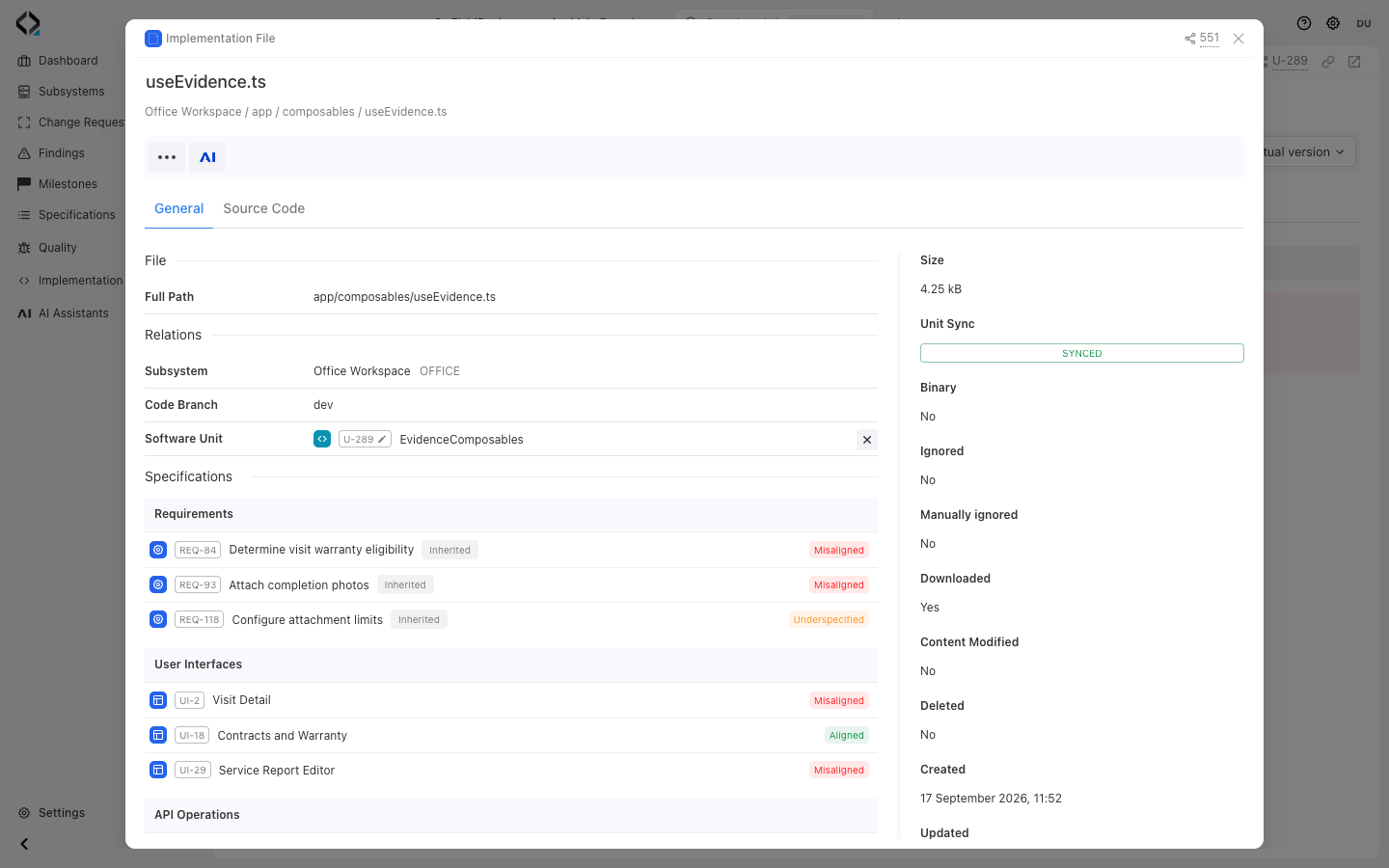
EvidenceComposables: the synchronized app/composables/useEvidence.ts source file.


