AI Coding with Trusted Context
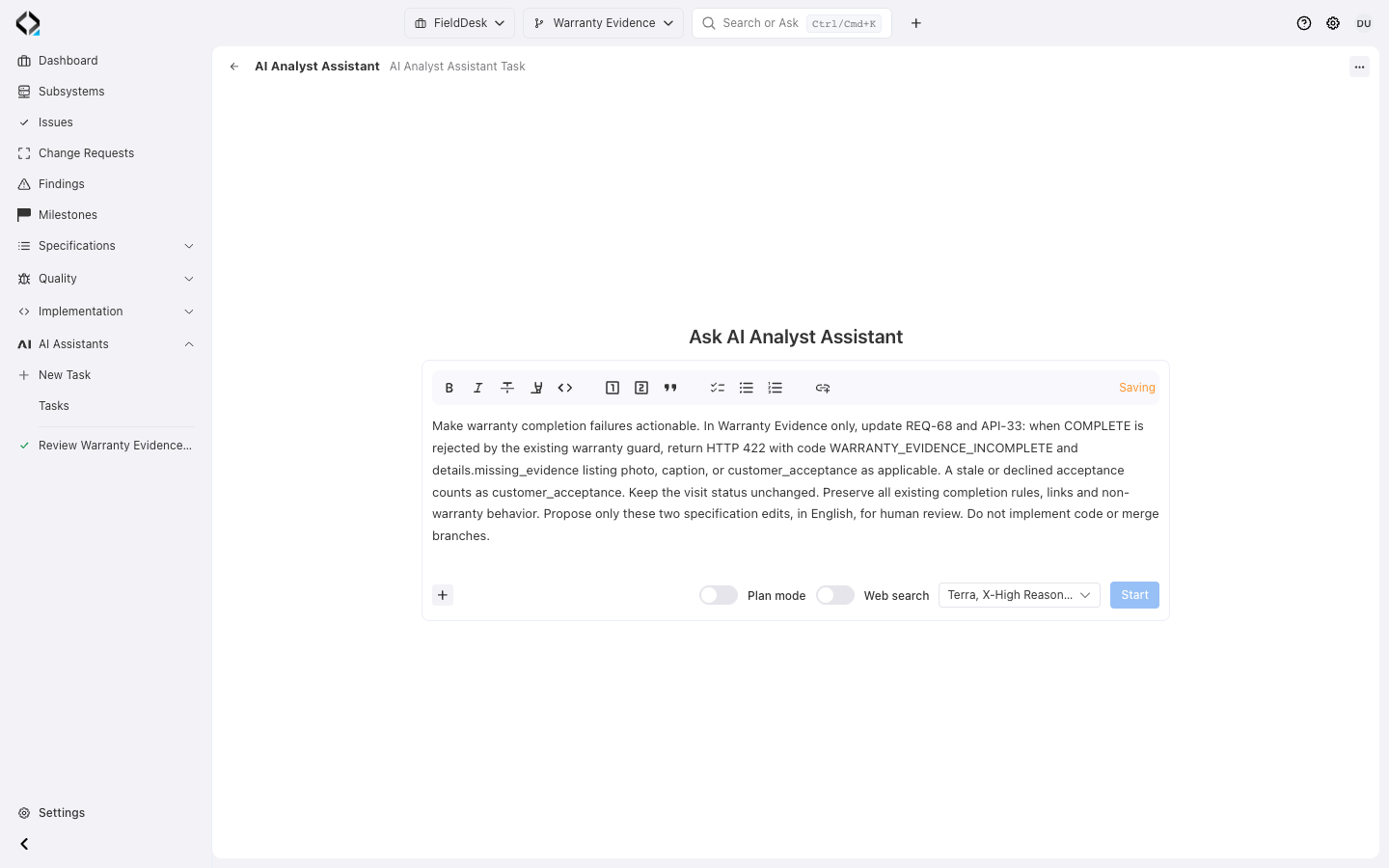
Start with a concrete product change
Ask AI Analyst to make warranty completion failures actionable in REQ-68 and API-33.
A repository explains what exists. Reqode explains what it means.
Start from the accepted change and follow the context behind it.

Product intent
Requirements, data entities, user interfaces, APIs, and Change Requests explain the behavior that should exist.

Implementation ownership
Software units connect responsibilities to files, dependencies, Unit Types, and unit-specific guidance.

Architecture contract
The subsystem Code Manifest and Unit Type rules tell the agent how this codebase is meant to be changed.
From a stable anchor to an implementation-ready picture
MCP reads branch-aware specifications and implementation context and supports limited Finding operations. Specification changes remain separate and reviewable.

1. Load the app manifest
Start with the current subsystem architecture and the rules that apply to each kind of software unit.

2. Anchor the task
Begin from a Change Request, requirement, software unit, module, or source-file path instead of a loose prompt.

3. Follow connected context
Read the relevant specifications, Unit ownership, file mappings, dependencies, and accepted change decisions on demand.

4. Implement and verify
Make a focused code change, then use Reqode verification to find confirmed architecture or specification divergence.
A short prompt can carry precise context
Give the agent a stable key and let it follow related resources in the selected branch.
Use Reqode MCP as the source of truth.
Implement CR-123.
Trusted context stays controlled
MCP Finding operations do not edit specifications, Units, or Change Requests. Keep accepted context explicit as implementation progresses.
Let coding agents work from engineering context, not guesswork
Connect the product meaning behind your code to the agent that changes it.
