Give your coding agent the context for a whole feature
-

Reqode
Requirements, specifications, and architecture guidance.
-
 Cursor
 Claude Code
 Cline
ClineAI coding agents
Use the context to implement changes in your code.
-

Source code repository
Code linked back to its specifications in Reqode.
Your repository shows the code. Reqode preserves the meaning around it.
Code shows the implementation. Reqode links it to the behavior, constraints, and change goal the agent needs to follow.
Files map to software units, units link to specifications, and Change Requests define the accepted scope.
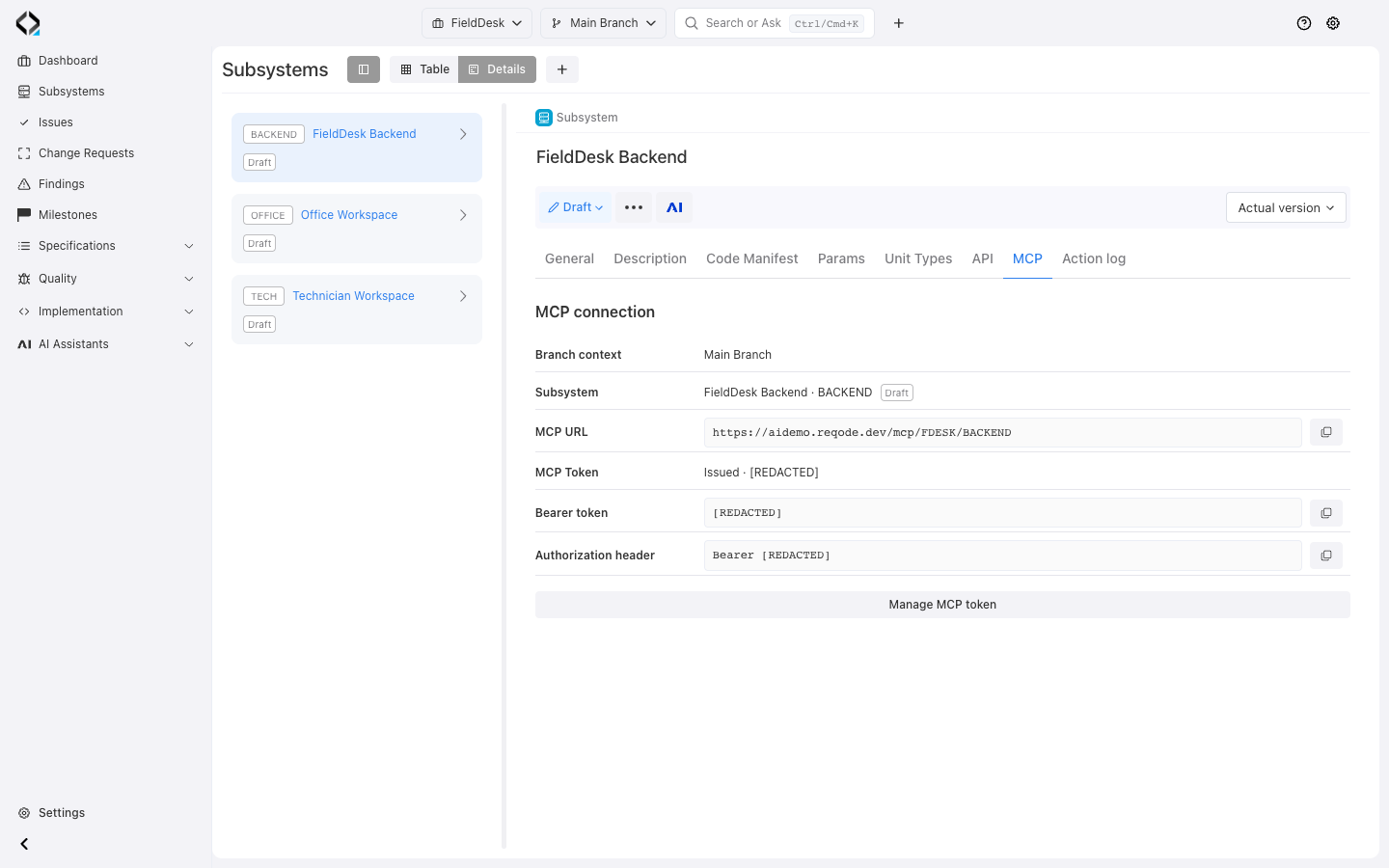
MCP makes those connections available on demand in your coding environment.
From one file to the full engineering picture
Follow mapped relationships from the starting artifact to its implementation and intended behavior.
Where the task starts
A file path anchors the agent in the actual implementation it is about to inspect or change.
What the code is responsible for
The agent sees the unit's purpose, files, dependencies, type rules, and implementation guidance.
Why the behavior exists
Linked product rules, data, UI, and API specifications explain intended behavior and constraints.
What should change now
The Change Request adds the current goal, affected artifacts, and accepted decisions.
How the agent retrieves context
Connect in the selected project, branch, and subsystem context. Tools and resources provide focused detail as the agent needs it.
get-app-manifest
Load the architectural memory
Read the subsystem manifest and applicable unit type rules before changing code.
Module resources
Navigate the product map
List requirement modules and read the relevant module, related specifications, and implementation links.
Artifact and unit resources
Understand an artifact or unit
Read an artifact or unit by key to inspect specifications, files, dependencies, and guidance.
trace-file
Trace code back to intent
Move from a source path to its implementation record, units, requirements, and linked data, UI, and API specifications.
Change Request resource
Recall the change intent
Read the goal, affected revisions, instructions, and linked AI summaries for the change.
A small prompt can unlock the connected picture
Give the agent a Change Request key; it loads connected details as needed.
Use Reqode MCP as the source of truth.
Implement CR-123.
One file. The meaning around it.
Trace a file to its software units and specifications to review expected behavior, dependencies, and architecture before editing.
File tracing, linked resources, and the app manifest provide these details on demand.

One change. The context to implement it.
Read the goal, affected specifications, decisions, and Findings, then follow links to units and implementation guidance.
The change defines scope; current specifications guide implementation, and session summaries provide background.

Testing a running product?
Give your QA agent prepared tests. Get the results back in Reqode. Learn more.
-
01 · From Reqode
Read the test context
The agent opens a Test Run and reads its test cases, steps, and expected results.
Reqode → agent · via QA MCP -
02 · QA agent
Test the running product
The agent follows the steps using its own browser or Computer Use tools and checks the outcomes.
Agent ↔ your running product -
03 · Back to Reqode
Record the results
The agent sends the overall status and step results back to the Test Run for review.
Agent → Reqode · via QA MCP
Frequently Asked Questions

Keep your MCP-compatible coding agent and environment. Reqode provides connected product and implementation context.
It supports creating Findings and marking Findings solved. These operations do not edit specifications.
Yes. trace-file resolves a mapped source path to units and linked specifications. Follow their resource links for detail.
Resources return the effective artifacts for the selected branch and mapped code context. Keep specifications and unit mappings current through reviewed changes and checks.
