AI Test Designer
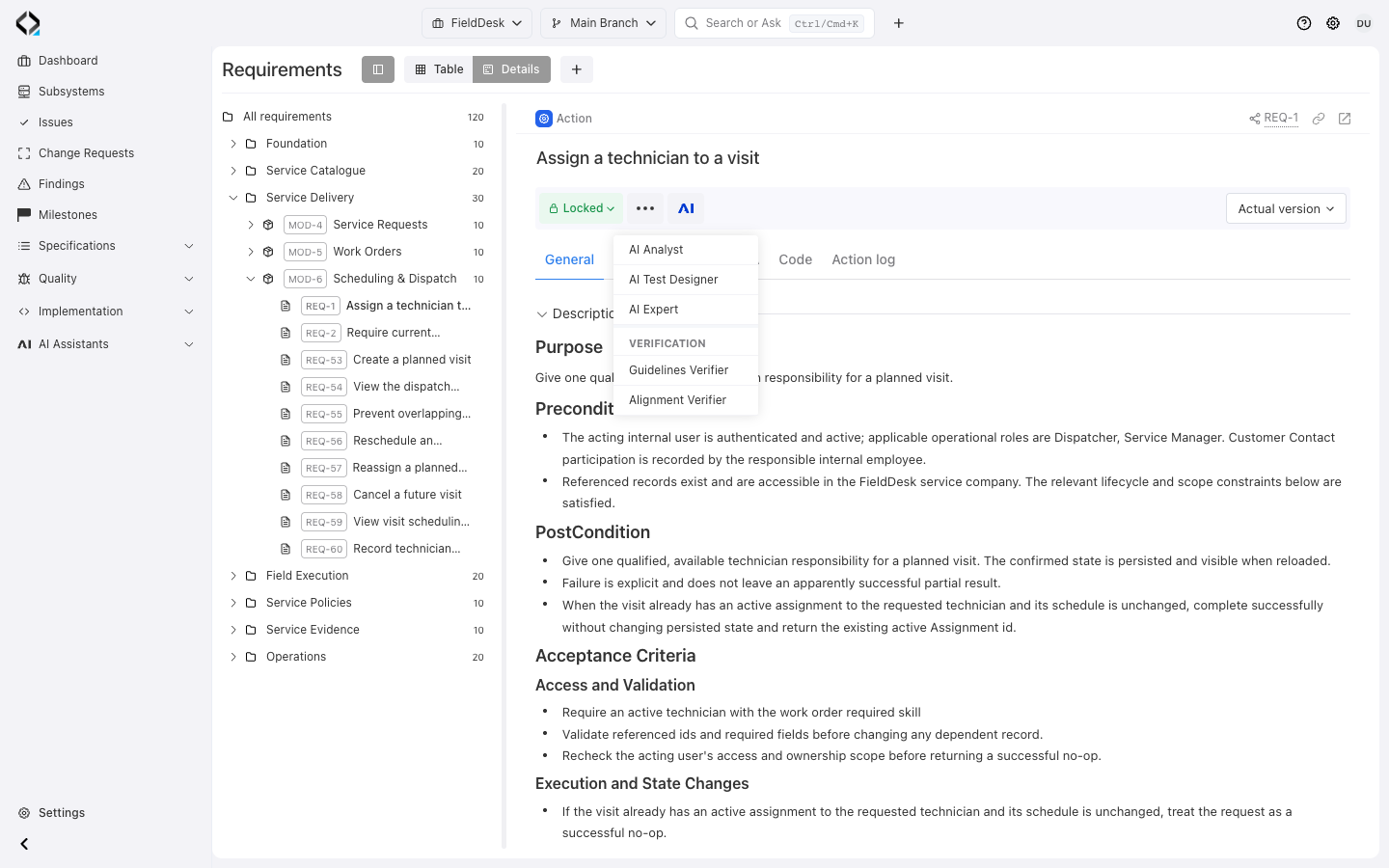
Start from a product rule
REQ-1 defines how repeated assignment preserves state and rechecks access. Open AI Test Designer.
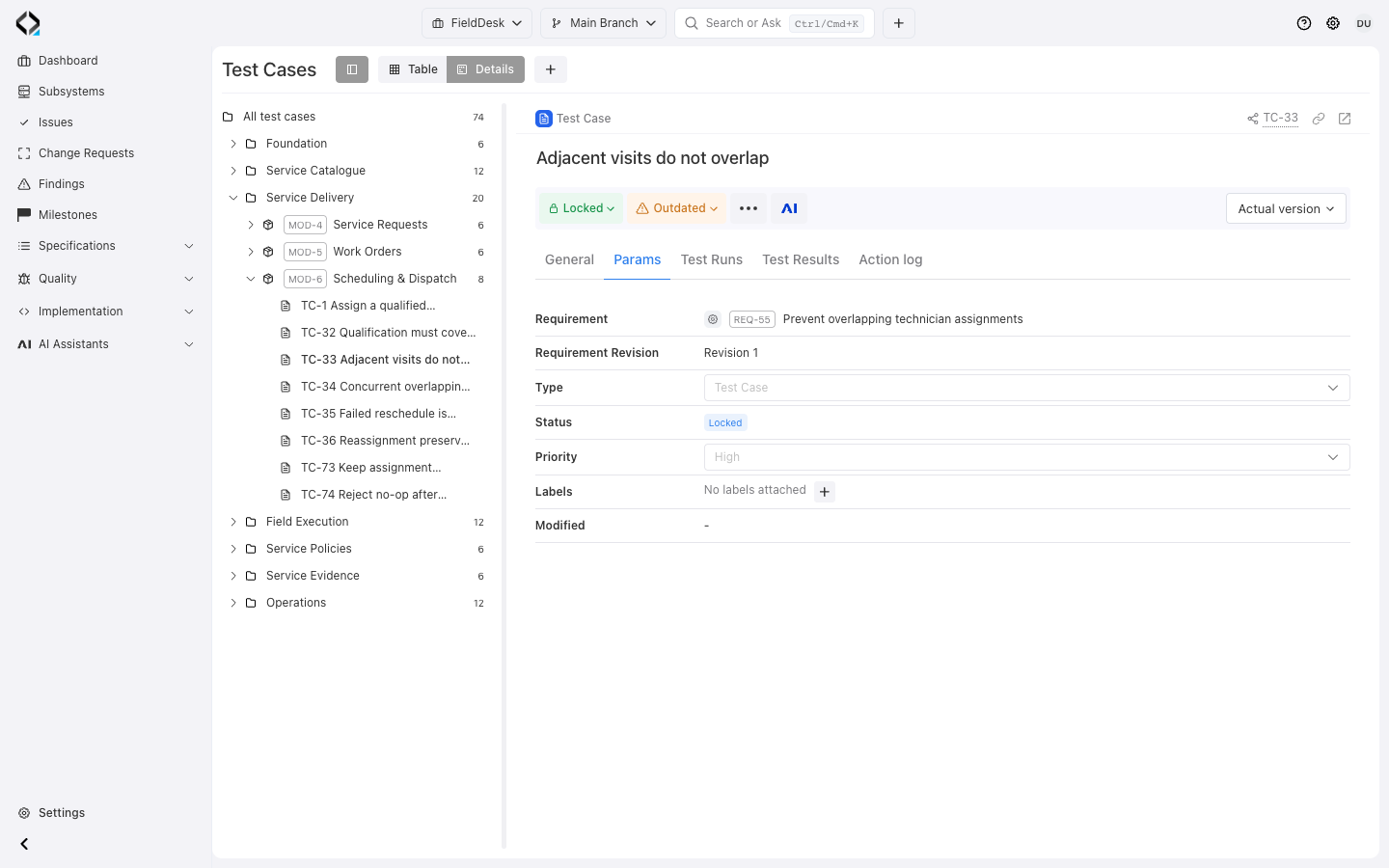
Start with the behavior to test
Provide the task and related requirements and specifications to establish behavior, data, and interactions.
The assistant supports creating and updating test cases. Use it for an initial set of tests or to revisit existing cases after a specification change.
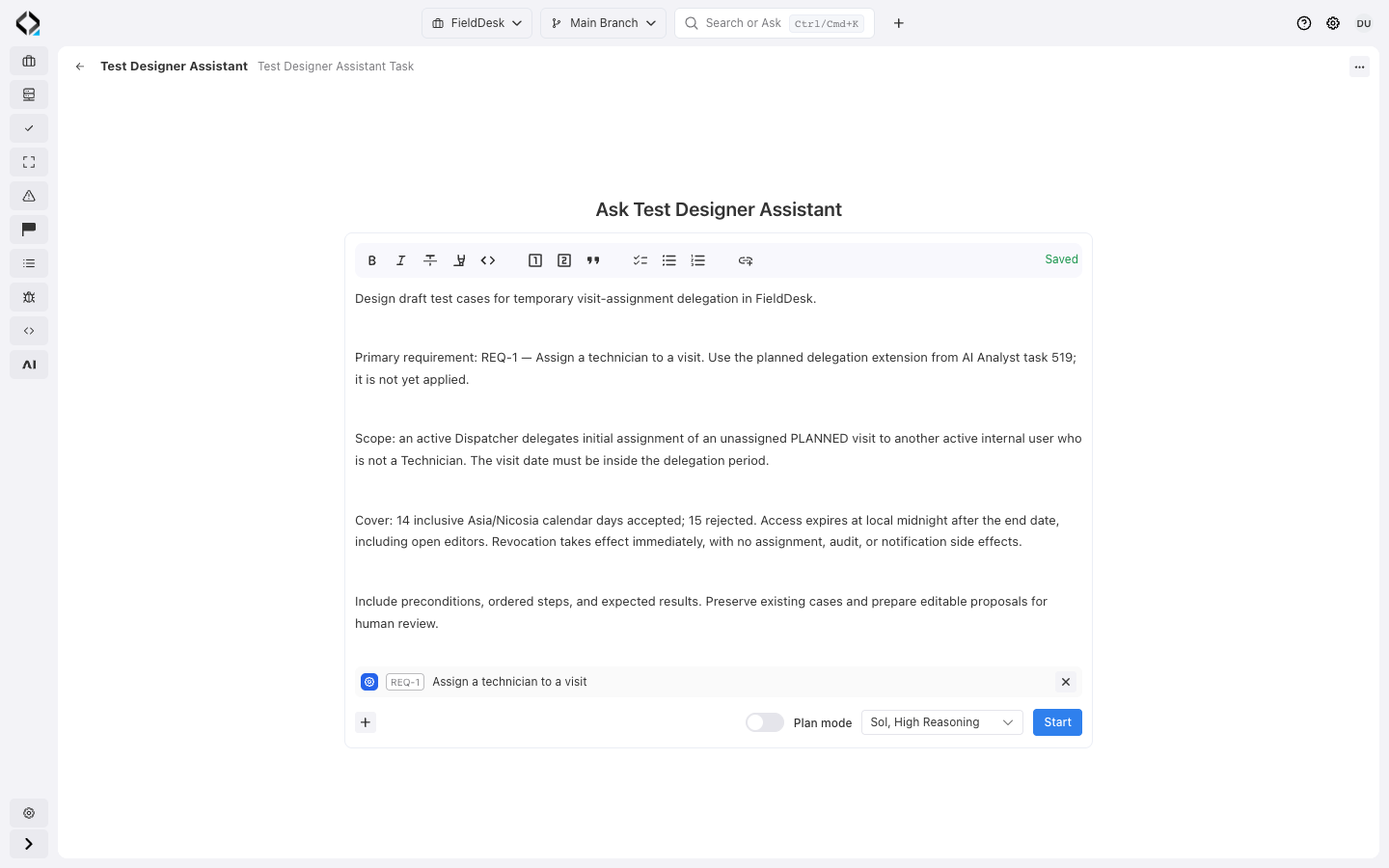
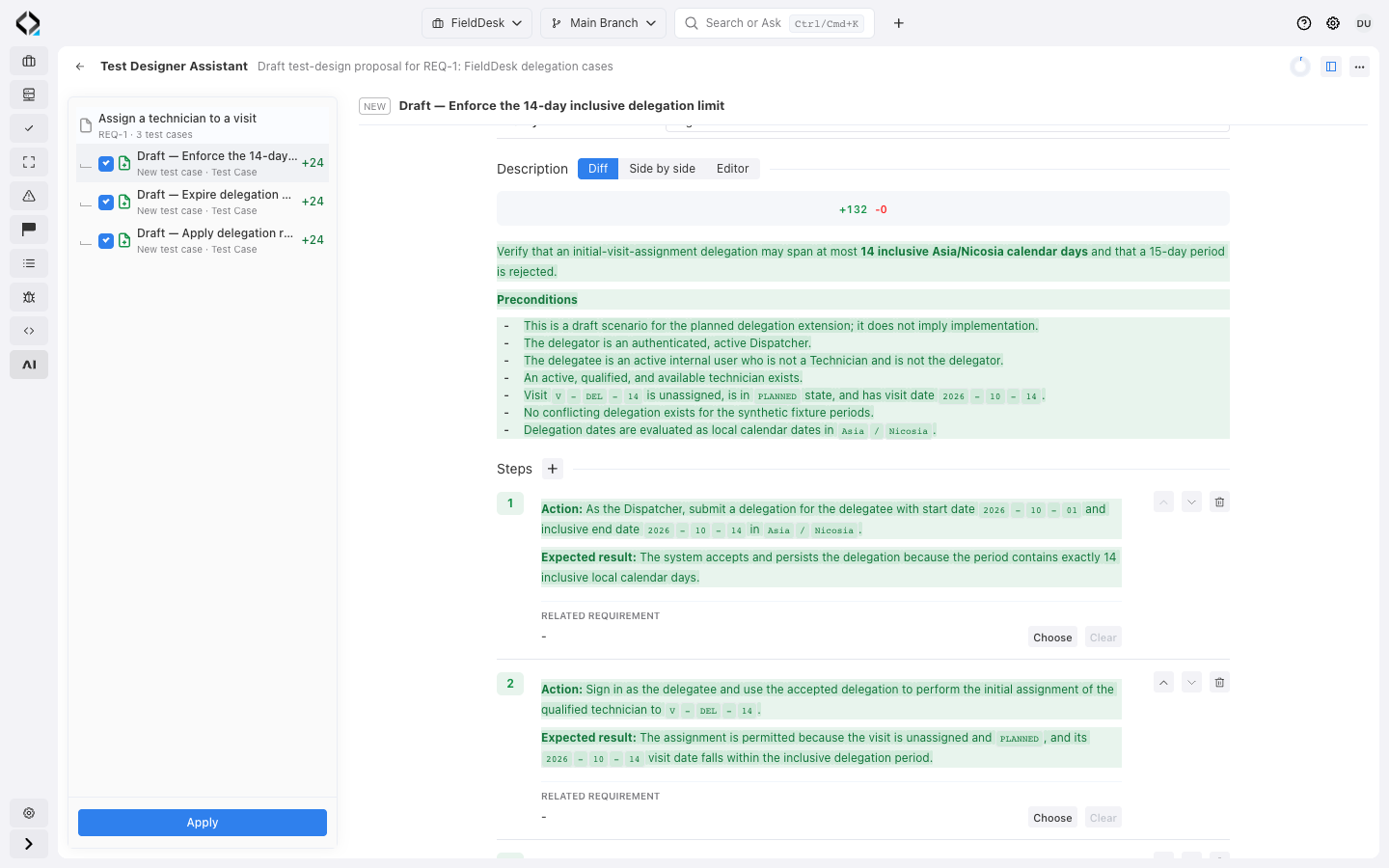
Clarify the task and review the result
Clarify test-design decisions, then review proposed steps, expected results, and case updates.
Check important conditions and failure paths against the requirements before accepting the design.
Example: temporary visit-assignment delegation
Review proposed tests for FieldDesk’s planned delegation extension, linked to REQ-1. The extension and test cases are awaiting review.
Within the allowed scope
Prepare a case for a valid temporary delegation. Establish the acting user, permitted scope, and active period, then state the expected outcome.
Outside the allowed scope
Include a case that attempts to exceed the delegating dispatcher’s authority. Check that the expected result follows the requirement’s limits.
After the delegation expires
Describe the initial state and actions for an expired delegation. Make the expected outcome explicit, and revisit the case when the underlying rule changes.
Good starting points

A single requirement
Prepare cases for one requirement’s behavior, rules, and edge cases; review the steps and expected results.

A whole module
Prepare cases across a module and review coverage of the capability as a whole.

Outdated test cases
Select outdated cases and review proposed steps and expected results against the changed requirements.

