Contact Us
Contact us if you have any questions, suggestions or you need personal Demo of Reqode. Use the form or write us a letter.
Getting Started
Code
Subsystem Versions
Purpose
Subsystem Versions let you track a subsystem lifecycle using semantic versions (major.minor.patch) and a status.
Versions are optional, but useful for:
- reporting versions in QA results,
- linking issues and tasks to a specific subsystem state,
- creating baselines per subsystem version.
Where to find in UI
Main entry point:
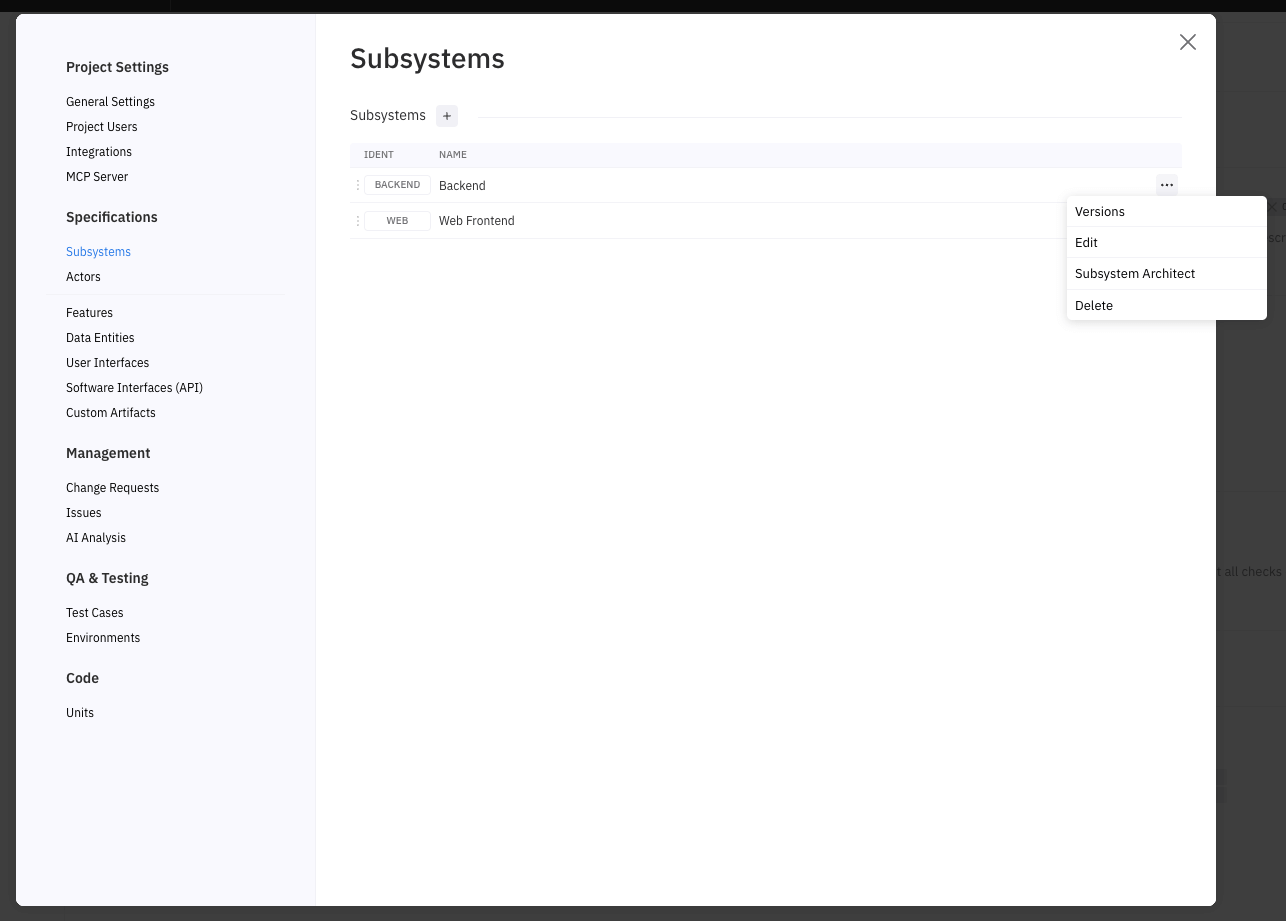
- Project Settings → Subsystems → (row menu …) → Versions
Prerequisites
- User is a member of the project.
- Permissions scope: Project Settings.
Step-by-step
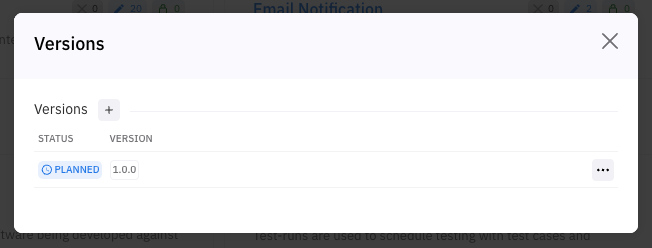
Open versions for a subsystem
- Open Project Settings → Subsystems.
- In the subsystem row click ….
- Select Versions.
Create a version
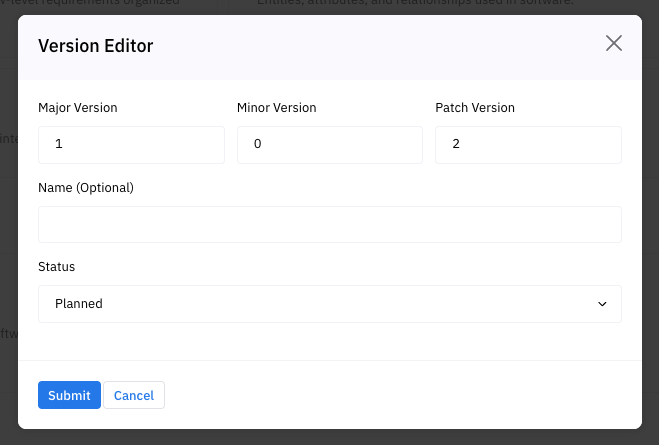
- In the Versions dialog click +.
- In Subsystem Version Editor, fill in:
- Version number
- Name (Optional)
- Status (required; default is typically Planned)
- Click Submit.
Edit a version
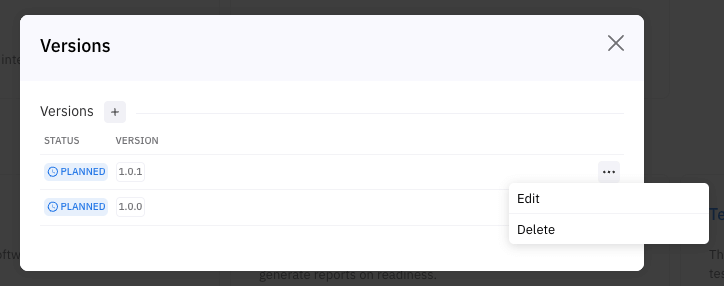
- In the Versions dialog, find the version row.
- Open the row menu ….
- Select Edit.
- Update fields and click Submit.
Delete a version
- In the version row open ….
- Select Delete.
- Confirm deletion.
Notes:
- Only Admin can delete.
- Deletion requires confirmation.
Result
- A subsystem version is created/updated/deleted.
- The Versions list reflects changes without leaving the dialog.
Errors / Constraints
- No search/filter in UI: currently the Versions dialog does not provide search or filtering.
- Version uniqueness: a version is unique within a subsystem by the combination:major + minor + patch. If the same combination already exists, saving must fail.
- major + minor + patch. If the same combination already exists, saving must fail.
- Validation:Major/Minor/Patch must be integers ≥ 0.
- Major/Minor/Patch must be integers ≥ 0.
- Network/server error: changes are not saved.
Best practices
- Use semantic versioning consistently:increase major for breaking changes,minor for backward-compatible features,patch for fixes.
- increase major for breaking changes,
- minor for backward-compatible features,
- patch for fixes.
- Use Status to reflect lifecycle:Planned → Active → Released → Deprecated.
- Planned → Active → Released → Deprecated.
- Keep at most one version marked as the “current” (Active) in your process.